Why Did the Computer Suddenly Shut Down?
Computer suddenly shutting down and restarting can occur due to hardware and software related issues.

Software and Operating System Related Causes
Another cause of a computer suddenly shutting down is software-related issues. Operating system errors or outdated drivers can create incompatibilities with hardware. Such incompatibilities can sometimes cause the computer to restart or shut down on its own. Viruses and malware are also commonly involved in these problems. Malicious software affecting system files can prevent the computer from running stably and lead to sudden shutdowns. Additionally, incorrectly applied updates or missing system patches can make the computer unstable.User Precautions and Solution Suggestions
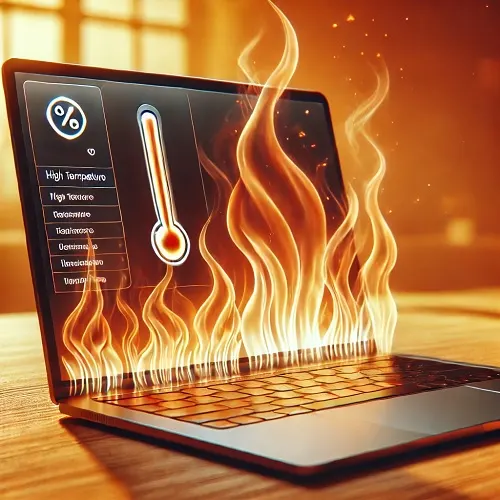
Some precautions can be taken to prevent the computer from shutting down on its own. First, the device’s cooling systems and fans should be cleaned regularly. To prevent overheating-related shutdowns, ensure that airflow is not blocked and avoid running the computer for long periods in high temperatures. The power supply unit should also be checked and replaced if necessary. On the software side, make sure the operating system and drivers are up to date. Regular scanning with antivirus software helps detect and prevent viruses and malware. Finally, avoiding applications that overload the system and optimizing the system will help the device run more stably.If it happens continuously, the following is recommended:
1- Clean or format the operating system.
2- If this does not solve the problem, there is a hardware issue. Open the computer case and check if the fans are working.
3- If the fans work but are dirty, clean them carefully. Remove the fan and use a small brush gently to clean the dust.
4- Listen to the power supply and all other components in the case. If there is a squeaking noise, the HDD might be faulty. If you hear a click during shutdown, the motherboard or power supply could be the cause. If the computer shuts down but does not restart, quickly touch the CPU fan metal after shutdown to check the temperature. To identify which component is faulty, test by replacing with a known working part. /